Sacred Document Digitization: Scanner Comparison
By Mei-Ling Tan • 12th Apr
When you're tasked with preserving religious text scanning or managing a sacred document digitization project (whether you're a nonprofit archivist, a small law firm handling estate documents with historical significance, or an office managing a community archive), the scanner you choose isn't just a tool. It's a control point. Reliability is a control, not a nice-to-have in regulated workflows, and that principle applies doubly when the documents carry irreplaceable cultural or spiritual weight.
This FAQ Deep Dive cuts through the marketing noise and examines the real trade-offs in scanner selection for specialized, delicate, and high-stakes document preservation.
What Makes Sacred or Religious Documents Different From Routine Office Scanning?
Most office scanners are engineered for uniform, modern paper: standard letter size, standard weight, predictable toner or ink. Religious manuscripts, historical texts, and spiritual archives break every one of those assumptions.
Religious texts often arrive as:
- Fragile originals: aged paper, leather bindings, brittle pages that cannot tolerate aggressive feed pressure
- Mixed media: manuscripts with handwritten annotations, stamps, seals, and varying page sizes
- Complex scripts: non-Latin alphabets, diacritical marks, and specialized character recognition needs
- Colored or stained pages: age-related yellowing, foxing, water damage, or intentional colored inks that standard OCR struggles to parse
- Bound volumes or oversized items: requiring specialty flatbed or overhead scanning rather than automatic document feeder (ADF) systems
For comparison, the Vatican Library's recent digitization initiative partnered with the Colnaghi Foundation to deploy specialized scanning equipment capable of capturing hidden surface details and revealing text obscured from plain view. The distinction matters because manuscript preservation scanning demands non-destructive handling and output fidelity that goes far beyond "searchable PDF." For preservation targets, see our archival color depth guide.
Should You Use an Automatic Document Feeder (ADF) Scanner or a Flatbed?
This is where skepticism is warranted, because vendors often oversell ADF capability for specialist work.
ADF Scanners: Pros: Fast, high throughput (50+ pages per minute), familiar to office staff, compact footprint. Cons: Aggressive paper paths that risk tearing delicate stock; poor handling of mixed sizes or thicknesses; difficult to recover from jams without batch loss; cannot accommodate bound volumes, maps, or items requiring full-surface visibility.
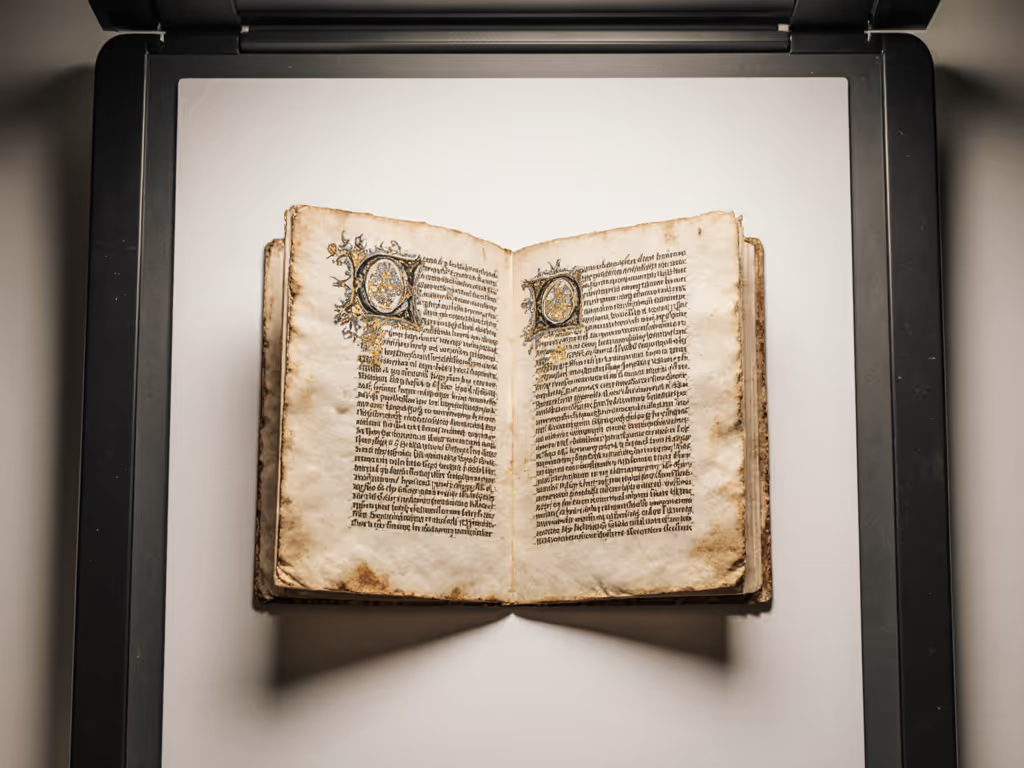
Flatbed Scanners: Pros: Gentle, non-destructive handling; full control over placement and lighting; capable of capturing three-dimensional artifacts (raised seals, embossing, binding signatures); flexible sizing; superior for delicate document handling. Cons: Slower (3-5 pages per minute), labor-intensive, requires careful manual positioning and page-by-page supervision.
The Control Perspective: In religious and archival settings, throughput is secondary to completeness and safety. An ADF that jams mid-batch and loses position markers introduces exactly the kind of exception that should derail an otherwise "efficient" process. Document the exception path before optimizing for speed. To minimize jams and plan preventive upkeep, use our scanner maintenance guide. If your batch of rare manuscripts encounters a misfeed and you've lost index alignment with OCR results, you've introduced data drift and rework that negates any time saved by automation.
The Bori (Bhandarkar Oriental Research Institute) in India took two years to scan nearly 7 million pages using dedicated book scanners in a well-equipped lab. If you need non-destructive cradle designs, start with our best book scanners for libraries. They didn't rush to three-shift operations because they wanted throughput; they did it because volume was unavoidable and the environment was controlled. Rushing introduces risk.
What OCR Capabilities Do You Need for Religious or Non-Latin Scripts?
Standard OCR engines (often bundled free with consumer scanners) are trained on modern English and Western European typography. They fail gracefully, and silently, on:
- Non-Latin alphabets: Hebrew, Arabic, Cyrillic, Greek, Devanagari, Tibetan
- Historical typography and ligatures: Old English, Gothic fonts, handwritten cursive
- Stamped or watermarked text: degraded legibility, low contrast
- Mixed-language pages: codices or documents with parallel texts
Many religious texts fall into these categories. Standard OCR produces high confidence scores for gibberish, creating false searchability. Users believe a document is indexed when it isn't. Build reliable OCR workflows for truly searchable archives.
The skeptical truth: If you're not running specialized script recognition through a platform designed for historical or religious materials (such as community platforms like Sefaria for Jewish texts or SikhiWiki for Sikh materials), your OCR is a convenience layer, not a precision tool. Metadata, human tagging, and catalog index remain essential.
When the Vatican Library's digitization project proceeded, the emphasis was not on automated OCR doing the heavy lifting. It was on the scanner's fidelity, capturing every surface detail so that human experts could later apply specialized indexing and transcription. That's the honest hierarchy: scanner quality and optical accuracy first, OCR as a supporting convenience second.
How Do You Ensure Your Scan Outputs Are Compliant and Auditable?
In regulated environments (nonprofits with donor accountability, religious institutions subject to archival standards, legal teams handling historical documents), scan workflows must be traceable. This means:
- PDF/A format (archival PDF): guaranteed long-term readability, no embedded scripts or external dependencies
- Metadata embedding: document date, scanner ID, operator, version/revision log
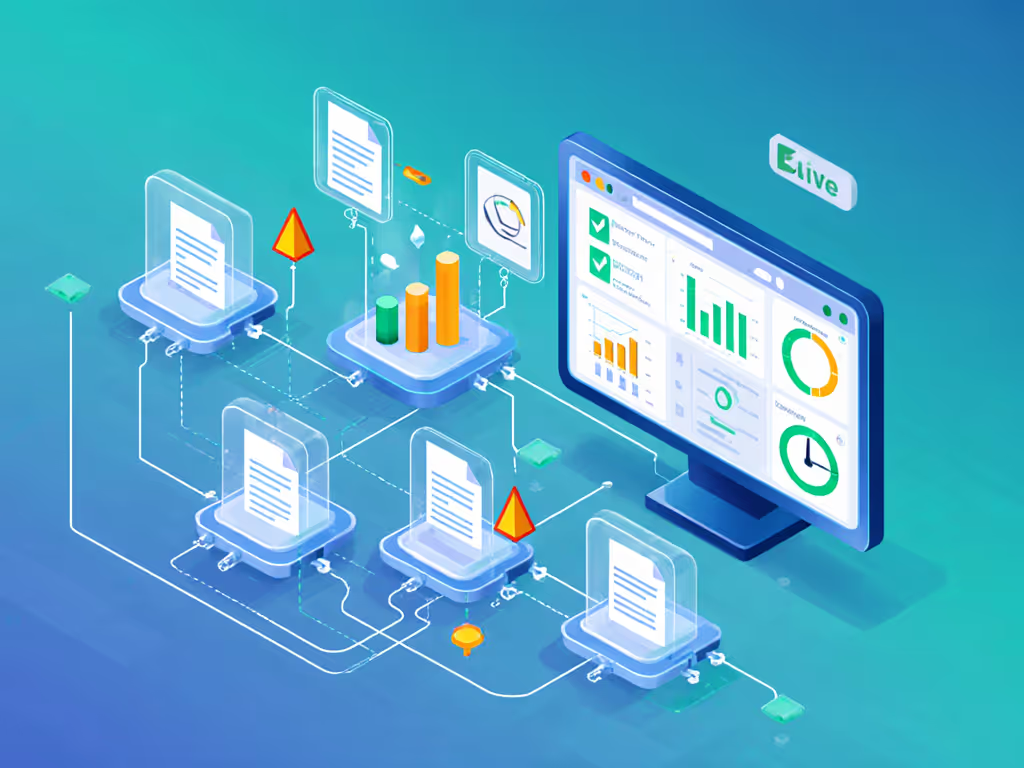
- Audit trail: a logged record of who scanned what, when, and any modifications applied
- Exception logging: jams, OCR failures, manual overrides, all recorded
Many affordable scanners and scanner software do none of this. They produce a PDF but leave no record of how it was created, who authorized it, or whether quality checks passed. In a healthcare or legal audit, that absence is a control failure.
When my team encountered a scanner that choked on specialized wristband labels in a healthcare setting, the first issue wasn't the jam itself, it was that the device had no exception log. We had no record of which batches failed, no way to verify that records had been re-scanned, and no audit trail to prove our recovery process. We rebuilt the entire feed path, added redundant capture routes to SharePoint, and implemented immutable audit logging. The next audit recorded zero exceptions not because we found a perfect scanner, but because we designed a workflow where exceptions were visible and traceable from the start.
What's the Real Total Cost of Ownership for a Dedicated Sacred Document Scanner?
This is where pragmatism meets hard numbers.
Upfront costs:
- Entry-level flatbed: $300-$1,200
- Mid-range specialty (better optics, larger bed): $1,500-$3,500
- High-end archive-grade: $4,000-$10,000+
Ongoing costs often ignored:
- Replacement glass beds (scratching or clouding over time)
- Calibration and sensor maintenance
- Software licensing (OCR upgrades, archival export add-ons)
- Labor (scanning is slower; every page requires attention)
- Rework (failed scans, batch losses due to jams)
For a small nonprofit or religious archive digitizing 2,000-5,000 pages per month, a $1,500 flatbed scanner with stable drivers, reliable USB or networked output, and a clear consumables roadmap often outperforms a bargain $400 sheet-fed scanner that jams weekly and requires $50 roller replacements every six months.
The skepticism here is justified: cheap hardware often hides expensive operations.
Should You Invest in a Specialty Service Over In-House Scanning?
This depends on volume, expertise, and recovery tolerance.
In-house scanning is best when:
- You have ongoing, predictable volume (500-2,000 pages per month)
- Documents are less fragile or can tolerate minor handling risk
- You need quick turnaround and don't want vendor dependency
- Staff can be trained and held accountable for consistency
Professional digitization services (like Microform Digital in the UK or archive-specialized firms) are worth it when:
- Documents are irreplaceable, fragile, or high-value
- You lack in-house expertise or trained staff
- Compliance and certification (ISO standards, archival provenance) are non-negotiable
- Volume is episodic (one-time project, not recurring)
The Vatican's partnership with the Colnaghi Foundation reflects this: they invested in specialized equipment and expertise that the Library alone couldn't justify or manage. If your organization is digitizing a founder's private collection or rare manuscripts, that's a service call. If you're scanning donation receipts or internal correspondence, in-house is usually more cost-effective. For day-to-day parish and temple workflows, see our religious institution scanning guide.
What Should You Ask a Scanner Vendor Before Buying?
Cut through the spec sheets. Ask:
- What's the expected page-per-month throughput before maintenance is required? (Not the per-minute speed, the sustained volume.)
- Do you have stable drivers for Mac, Windows, and Linux? (Especially if you're running mixed environments.)
- What's your policy on jam recovery? Does the device have a recovery mode that preserves batch position? Or does every jam reset progress?
- Can the scanner output directly to cloud storage (SharePoint, Google Drive, Dropbox) with folder routing rules? Or is it USB-only with manual filing?
- Is OCR baked in, and what languages does it support? Who bears the cost of upgrades?
- What does the audit trail look like? Can you export a log showing scan date, operator, page count, and any exceptions?
- What's the replacement cycle for consumables? Rollers, glass, sensors, when and at what cost?
- Do you have a documented exception path? What happens when something goes wrong, and who do I call?
Vendors that waffle or redirect to "call sales" are signaling that reliability is negotiable. Walk away.
Final Thought: Reliability as a Control Measure
The temptation in document digitization is to chase the fastest, cheapest tool. But in sacred, historical, or regulated workflows, speed is a trap. The device that scans 100 pages per hour but loses position on the 47th page hasn't saved you time, it's multiplied your work.
Reliability is a control, not a nice-to-have. It's the foundation on which audit trails, compliance, and staff confidence rest. When you evaluate a scanner for religious archive digitization, measure it not by its speed or price alone, but by what happens when it fails, whether that failure is visible, and whether your team can recover without losing ground.
The best scanner for sacred documents isn't always the most sophisticated. It's the one where every exception is logged, every exception path is documented, and your team can run the same job the same way, every time, with confidence.
Further Exploration
If you're ready to move forward, consider these next steps:
- Visit vendor showrooms or request trial units. Hands-on testing with your own document samples beats any spec comparison.
- Ask for references from similar organizations. A vendor's case study about a university library tells you more than their marketing claims.
- Consult archival standards bodies. Organizations like the Society of American Archivists or the Digital Preservation Network publish guidance on scanner selection for institutional use.
- Map your exception paths. Before buying, document what you'll do if the scanner jams, if OCR fails, or if files don't route correctly. If you can't answer those questions, you're not ready to buy.
- Plan for training. A new device without clear staff onboarding is just an expensive paperweight. Budget time for setup, testing, and at least two guided runs with your core team.
The investment in the right tool, and the discipline to use it consistently, pays dividends in compliance, searchability, and the irreplaceable peace of mind that comes from knowing your sacred or historical documents are preserved and accessible for the next generation.
Related Articles