Space-Constrained Scanning: Compact Workflow Solutions
By Luca Moretti • 9th Dec
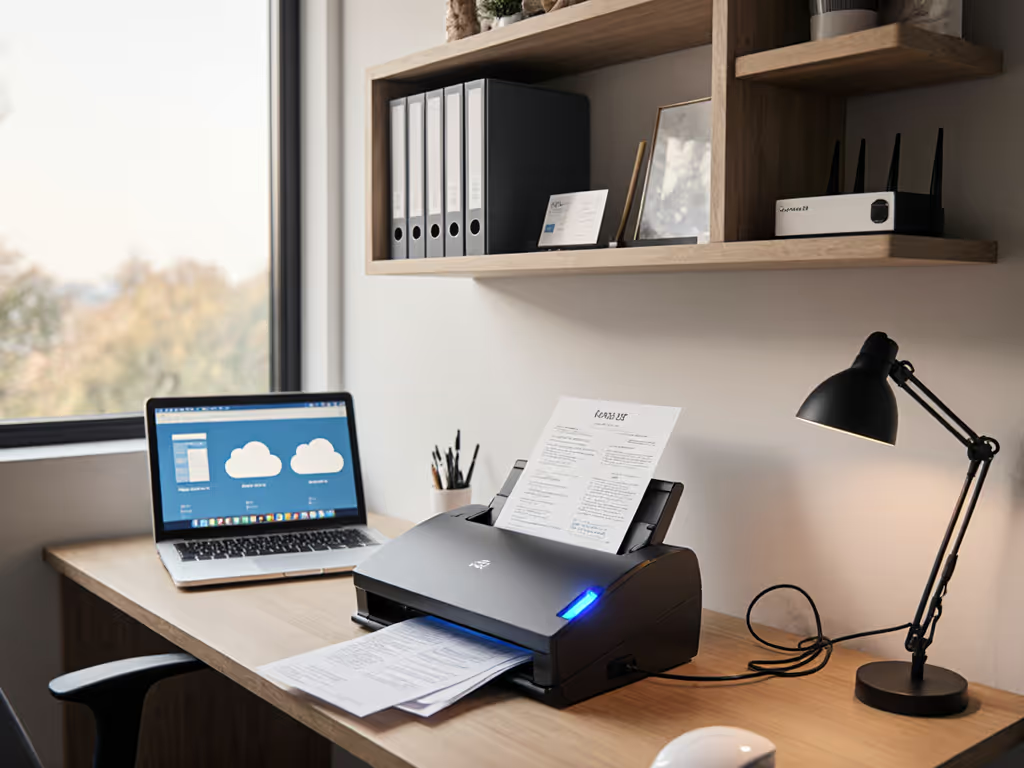
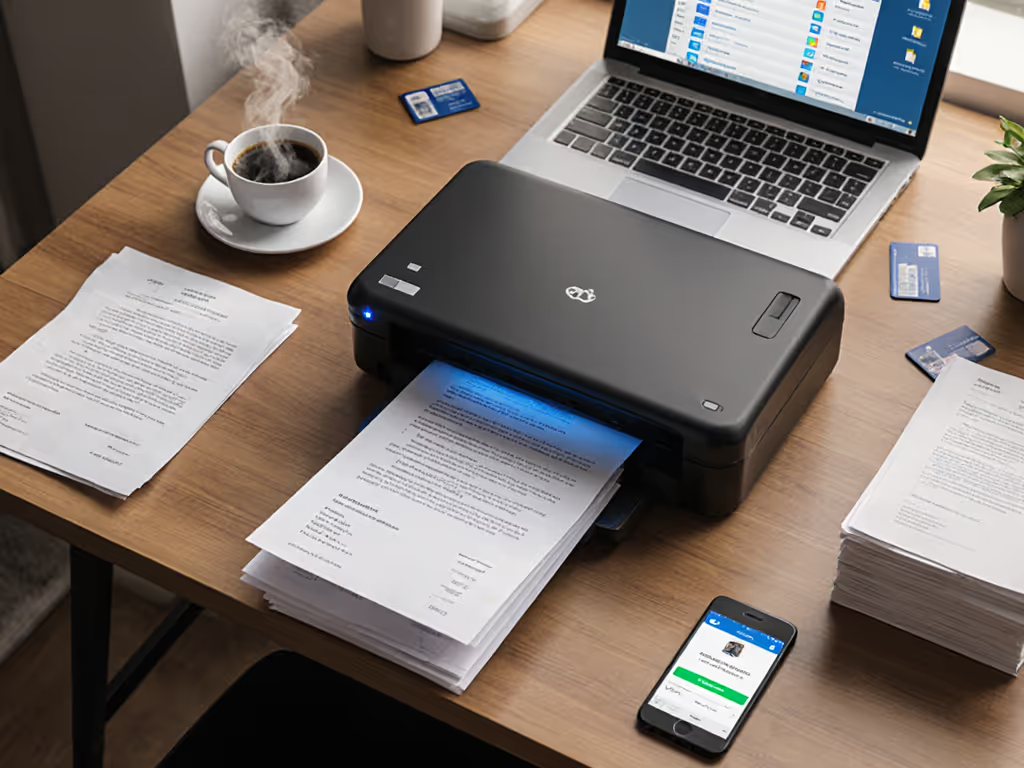
When your office footprint measures in square feet rather than square yards, space-constrained scanning becomes more than an inconvenience, it becomes a workflow bottleneck that threatens your digital transformation. The right document scanner solution for cramped offices demands more than compact hardware; it requires intelligent architecture that integrates seamlessly with your existing cloud infrastructure. In this tutorial, we'll build minimalist scanning workflows that deliver maximum productivity without sacrificing your precious real estate.
Step 1: Right-Size Your Hardware Footprint
Before investing in scanning technology, conduct a physical audit of your workspace constraints. Measure available surface area at primary scanning locations, noting clearance requirements for paper paths and user access points. Consider these space-saving metrics:
- Device dimensions: Anything exceeding 12" x 8" creates significant workspace disruption in small offices
- Operational envelope: Account for paper input/output trays that effectively double the scanner's "working footprint"
- Cable management: Hidden routing prevents tripping hazards and maintains clean sightlines
Rather than selecting the highest page-per-minute (ppm) scanner, prioritize minimalist physical profiles. If cable clutter is a constraint, see our wireless scanning systems comparison to minimize cords and hubs.
Map the route before you scan. This principle applies equally to your physical layout and your digital workflow.
For environments under 500 square feet, consider devices with integrated document feeders that return output to the input tray, eliminating staging space requirements. Many law firms and medical offices we've consulted discovered that reducing their scanner footprint by 30% through vertical mounting solutions created unexpected workflow efficiencies, staff no longer needed to step around equipment to file documents.
Step 2: Design Vendor-Neutral Capture Workflows
Your scanning hardware represents only the first link in a fragile chain. The true test of space-saving document workflows occurs when pages transition from physical to digital. Avoid vendor-specific software that creates dependency traps and spatial inefficiencies through unnecessary UI elements.
Create a standardized capture sequence that works across your organization:
- Scan to watch folder: Configure your scanner to deposit PDFs in a monitored directory (e.g.,
C:/Scans/Inbox) - Apply universal naming conventions: Use date-stamped prefixes with matter/client codes (e.g.,
20231209_CL-1234_Expense.pdf) - Implement reliable OCR processing: Configure tools that handle skewed documents, multi-language content, and stamps without manual intervention
- Validate output parameters: Set automated quality checks for resolution, color space, and file format compliance
When a small legal practice lost critical documents during Windows updates, we rebuilt their pipeline using TWAIN-compliant scanning to a monitored folder, followed by Power Automate flows that handled document separation and SharePoint routing. The result? No more vanished scans, and 18 inches of reclaimed desk space from eliminating redundant equipment.
Step 3: Architect Integration-First Routing Logic
Most scanning failures occur not at the capture point, but during the handoff to cloud destinations. Small workspace solutions must prioritize routing reliability over flashy features. Implement this vendor-neutral approach:
- Authentication architecture: Store credentials securely using system-managed tokens rather than embedding them in workflow scripts
- Idempotent routing: Design processes that can safely restart after interruptions without duplicating documents
- Watch folder cascades: Route files through sequential processing stages (OCR → Metadata → Filing) rather than monolithic workflows
- Cloud-native protocols: Prefer REST API integrations over browser automation that frequently breaks during service updates
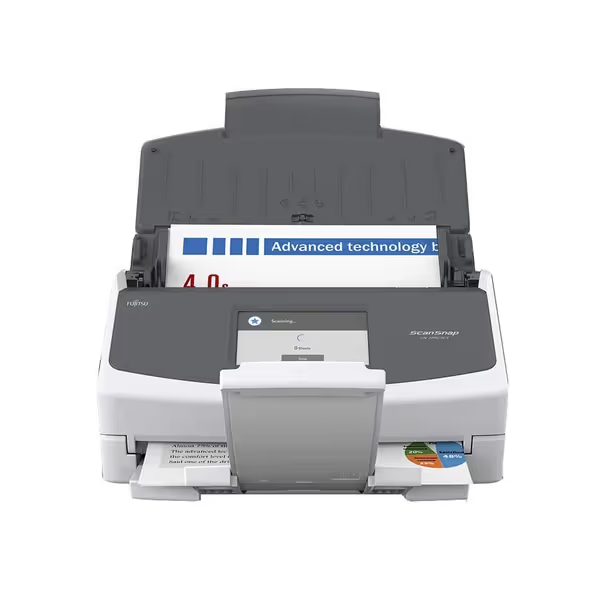
Fujitsu ScanSnap iX1500
Streamlined scanning to cloud for effortless document management and productivity.
$549.99
InterfaceWi-Fi & USB
InterfaceWi-Fi & USB
Pros
Intuitive one-touch scanning via large touchscreen.
Direct scan to cloud or device without PC.
Multi-user profiles for shared productivity.
Cons
Connectivity can be inconsistent for some users.
Mixed feedback on overall functionality reliability.
Customers find the scanner to be a best sheet-fed model that's easy to use and set up, with quick multiple-page scanning capabilities and excellent document management features. They consider it worth the price. The functionality receives mixed feedback - while some say everything works effortlessly, others find it almost useless. Similarly, connectivity experiences are mixed, with some praising the wireless network connection while others report constant connection issues.
Customers find the scanner to be a best sheet-fed model that's easy to use and set up, with quick multiple-page scanning capabilities and excellent document management features. They consider it worth the price. The functionality receives mixed feedback - while some say everything works effortlessly, others find it almost useless. Similarly, connectivity experiences are mixed, with some praising the wireless network connection while others report constant connection issues.
This Fujitsu ScanSnap iX1500 exemplifies the minimalist architecture bias we recommend. Its vendor-neutral approach delivers reliable scanning without creating space or workflow bloat.
Unlike traditional "scan-to-email" approaches that fail with Microsoft 365's increasingly restrictive security policies, direct cloud integrations survive platform updates because they follow open standards. When routing to SharePoint or Google Drive, always implement versioning and audit trails at the destination, not within the scanning application, to maintain a clean, reliable separation of concerns. For patterns and pitfalls, see our scanner cloud integration guide to build resilient, vendor-neutral routes.
Step 4: Implement Minimalist Monitoring
The most reliable systems require the least oversight. For space-constrained scanning environments, eliminate monitoring overhead through these practices:
- Log-first troubleshooting: Configure automated error logging to dedicated cloud locations rather than relying on popup notifications
- Predictive jam prevention: Monitor feed motor performance metrics rather than waiting for failures
- Capacity alerts: Track storage thresholds before they impact operations
- Zero-touch recovery: Design workflows that automatically resume after interruptions without manual intervention
Establish simple success metrics that verify end-to-end functionality:
- "From button press to cloud availability within 90 seconds"
- "Zero manual intervention for 100 consecutive scans"
- "Consistent metadata application across all document types"
These metrics provide actionable insights without creating monitoring overhead. To reduce jams and retries, follow our scanner maintenance guide for durable, low-touch operation. Remember: if integrations are fragile, the workflow isn't real. Your scanning solution should operate reliably through Windows updates, network outages, and staff turnover, without requiring constant babysitting.
Step 5: Optimize for Mixed-Media Workflows
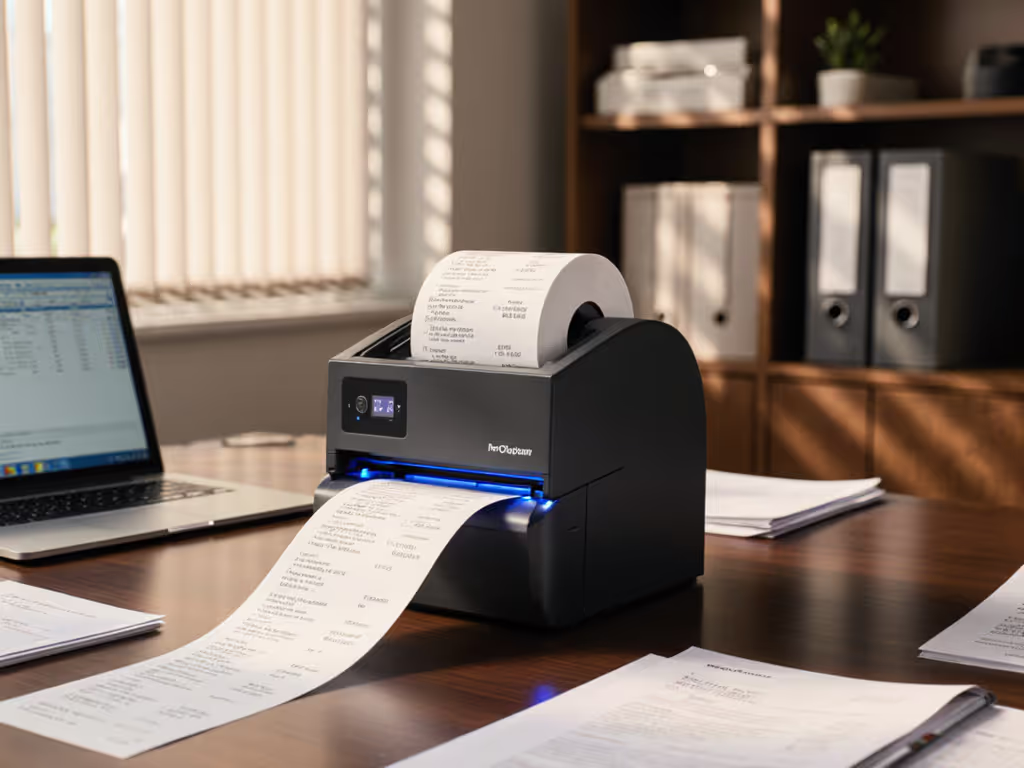
Small offices often handle unpredictable document mixes. Rather than switching between devices for receipts, IDs, and legal-sized documents, implement a single minimalist scanning setup with these capabilities: If receipts are frequent, use our thermal receipt scanning guide to preserve fading prints without extra hardware.
- Automatic size detection: Eliminates manual setting changes between document types
- Multi-pass workflows: Scan mixed stacks once, then separate by document type during processing
- Thickness-adaptive feeding: Handles business cards through thick pamphlets without manual overrides
- Continuous duplex scanning: Processes both sides of documents without requiring manual repositioning
Our clients who've implemented these approaches typically reduce their scanning footprint by 40% while increasing throughput. One insurance agency consolidated three specialized scanners into a single device by implementing barcode separation sheets that automatically route different document types to appropriate processing channels.
Conclusion: Building Scanning Solutions That Endure
True space-constrained scanning solutions don't merely minimize physical footprint, they eliminate workflow friction through thoughtful architecture. By prioritizing vendor-neutral paths, building integration-first routing logic, and implementing minimalist monitoring, you create scanning workflows that survive technology refreshes and staffing changes.
As you evaluate portable scanner options and integration approaches, remember that the most compact solution isn't measured in cubic inches alone, it is calculated through reduced process steps, eliminated manual interventions, and predictable performance through system updates.
Map the route before you scan. This principle separates temporary fixes from sustainable document workflows that transform paper chaos into organized digital assets.
For further exploration of minimalist scanning architectures, consider these resources:
- "Document Workflow Ontology: A Vendor-Neutral Taxonomy for Business Process Integration"
- "Cloud-Native Scanning: API Patterns for Resilient Document Pipelines"
- "Minimalist Monitoring: Measuring What Matters in Document Automation"
Related Articles