AI Barcode Scanning That Handles Real-World Chaos
By Taye Okonkwo • 9th Jan
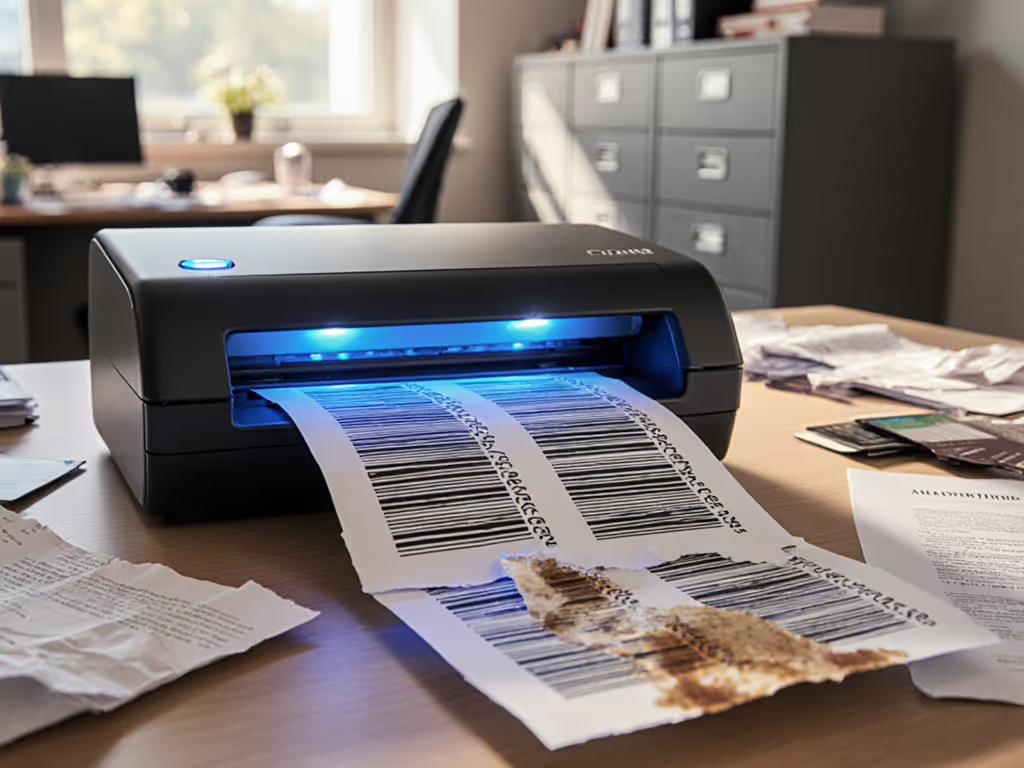
You've seen the gleaming scanners in tech demos, barcodes vanishing into digital bliss with a single beep. But real offices don't work that way. Smudged labels on dented boxes, glare from cheap receipt paper, volunteers scrambling to sort donations: this is where AI barcode scanning earns its keep. Modern intelligent barcode recognition doesn't just read perfect codes; it wrestles messy reality into order so your team can finally stop babysitting the scanner. Let's unpack how this works when the pressure's on.
How does AI barcode scanning actually handle "impossible" scans?
Picture your busiest Tuesday: a stack of donation receipts with coffee stains, crumpled corners, and fading ink. Traditional scanners would choke on every third item. AI-powered systems approach this differently: they don't just look at barcodes; they understand them. Using pattern recognition trained on millions of real-world examples, these systems:
- Fill in gaps for torn or partially obscured codes (like reconstructing a puzzle)
- Adapt to oddly curved surfaces (think soup cans or medicine bottles)
- Process multiple codes at once without manual targeting
- Ignore glare or poor lighting that would fool simpler scanners
This isn't magic; it is practical engineering. I once watched a nonprofit volunteer scan a bin of damaged book spines using nothing but a phone camera. For on-the-go setups, see our reliable mobile scanning guide for phones and portable scanners. The AI recognized smudged ISBNs that even librarians would struggle to read manually. That's the difference between "works in theory" and "works on Monday morning."
If it's fiddly, it won't survive Monday morning.
Won't this overcomplicate things for my staff?
Here's where most automation fails: it assumes your team has time to tweak settings between scans. Smart systems flip this script. Context-aware barcode reading observes what your staff handles daily (say, client intake forms with specific barcode placements) and auto-adjusts.
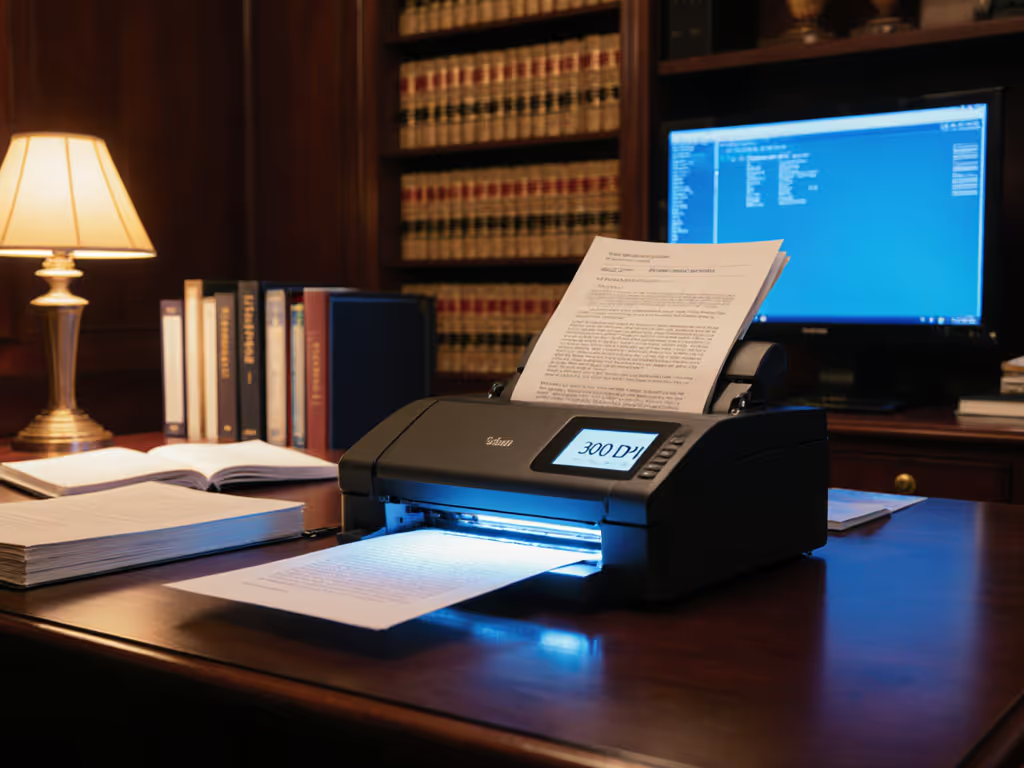
At a legal aid clinic, we embedded subtle barcodes on client cover sheets. Staff now simply:
- Stack documents
- Press one button
- Watch AI route everything to the correct case folder - even when pages are upside down or skewed
No more keyword guessing. No manual sorting after scanning. The scanner learns that a barcode in the top-right corner means "new client," while bottom-left means "medical records." This is why automation succeeds when the least technical person succeeds first, if your newest intern can run it without training, you've built something that lasts.
How do I start without drowning my team in new tech?
Begin where the pain is worst. Pick one recurring headache (like vendor invoices piling up), and design a single button press that:
- Scans the invoice
- Extracts key data (vendor name, PO number)
- Drops it into your accounting system's incoming folder
This is where AI-powered inventory scanning truly shines for small teams. Skip complex integrations. Start with a simple rule: "When this barcode pattern appears, send to 'AP/Invoices.'" You can connect triggers like this using our Zapier scanner automation guide.
I recently helped a dental office automate patient intake. We printed barcode coversheets for new patients ("Scan this first!") and returning visits ("Scan this!"). Staff now process 20+ intakes daily with zero training, just two color-coded sheets. Start simple; expand after wins. Your first win might be eliminating just one manual step. Celebrate that. Then build from there.
Can this work with the tools we already trust?
Absolutely. Look for solutions that plug into your existing cloud workflow without rewiring everything. The best smart barcode technology quietly handles the heavy lifting while speaking the language of your current tools:
- Google Drive/OneDrive: Files land in pre-named folders with searchable PDFs
- QuickBooks/Xero: Barcodes auto-tag vendor names or invoice numbers
- Paper-heavy workflows: Barcodes on cover sheets separate batches without manual intervention
Remember that nonprofit story I mentioned earlier? We used free Google Drive folders paired with printed barcode sheets. No expensive middleware. Volunteers went from "I dread Mondays" to "What else can we scan?" in a single afternoon. When your scanner talks to your existing systems, you stop fighting tech and start solving real problems.
What's the one thing I should test before buying anything?
Grab your actual problem documents (not demo samples). Try scanning:
- A crumpled receipt from your wallet
- A medicine bottle with curved labeling
- A faded donation sticker
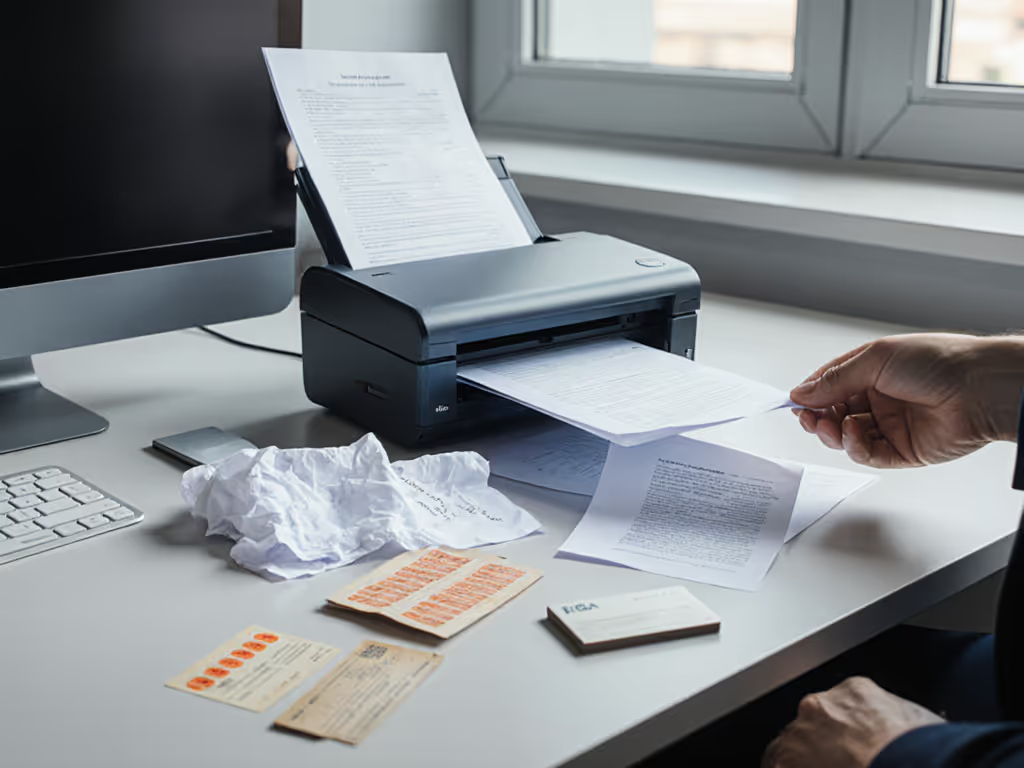
If the system handles these with minimal babysitting, you've found something robust. To make those scans searchable and editable, see our reliable OCR guide. Watch how many rescans are needed. Note whether staff members actually use it consistently after the novelty wears off. The real test isn't perfect lab conditions; it's whether it survives your Tuesday chaos without IT panic calls.
Your Action Plan This Week
Don't overhaul your entire system tomorrow. Try this:
- Identify your most frustrating scan scenario (e.g., donation records, client forms)
- Print one barcode coversheet (use free online generators)
- Set up a single folder rule in your cloud drive
- Test with your least tech-savvy teammate
When they succeed on the first try, that's your signal to expand. You'll quickly see how advanced barcode scanning turns paper purgatory into digital peace of mind. And remember: the best automation isn't the most powerful, it is the one that works when your team is tired, rushed, and just needs to get home. Start simple; expand after wins.
Related Articles