Document Classification Taxonomy for Scanning Workflow Control
By Mei-Ling Tan • 19th Jan
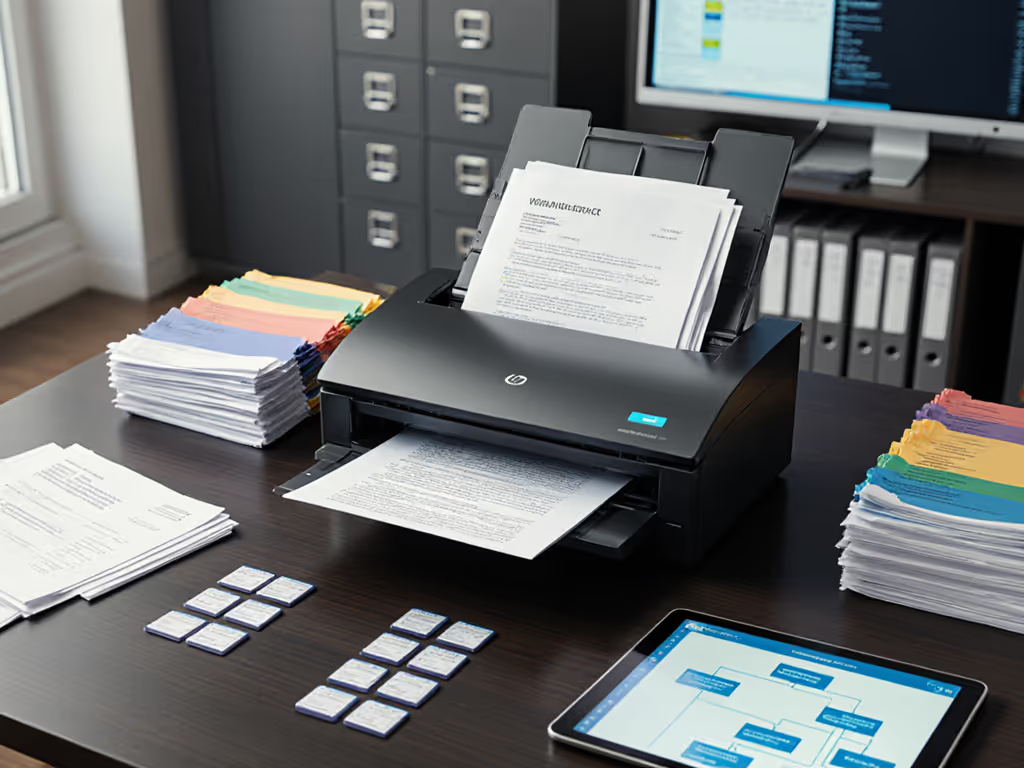
When your scanner consistently misfiles prescription histories as intake forms or routes financial disclosures to the wrong client folders, you're not experiencing a technology failure, you're witnessing a collapsed control framework. The document classification taxonomy anchoring your operation isn't merely an organizational tool; it's the foundational control point determining whether your scanning workflow organization sustains compliance or creates audit landmines. Yet most small practices treat taxonomy design as an afterthought (a filing cabinet hastily labeled "Bills" and "Contracts"), only realizing their oversight when regulators request evidence trails. Let's dissect this not as an efficiency tactic, but as the risk control mechanism it must be.
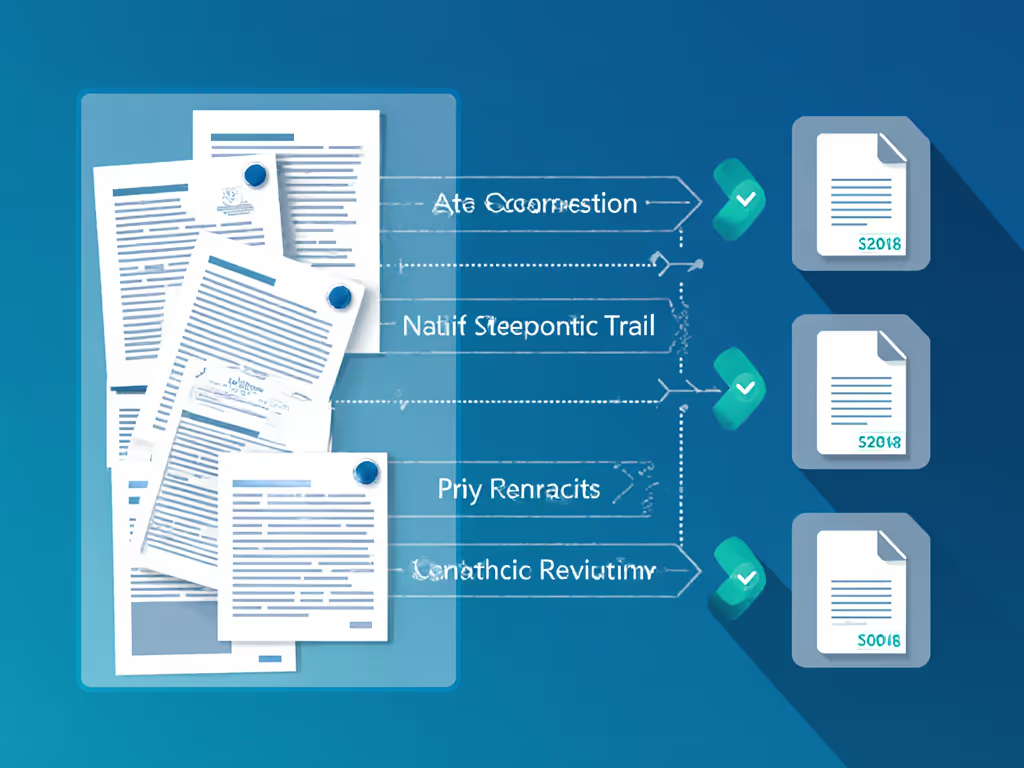
FAQ Deep Dive: Hardening Taxonomy Against Workflow Failure
Why is a basic folder structure insufficient for regulated document handling?
Because folders don't enforce controls, they merely reflect current understanding. Consider healthcare intake packets: a folder named "New Patients" might contain consent forms, insurance cards, and medical histories. But when an auditor demands only HIPAA acknowledgments from Q3, your team must manually hunt through stacks. A true document classification taxonomy defines mandatory metadata fields (patient ID, document type, date), validation rules (e.g., "consent forms require signature date"), and automated routing paths. This transforms passive storage into an active control layer. Without it, you're relying on staff memory to prevent compliance gaps (a control no auditor will accept).
Commercial solutions often oversimplify this as "AI sorting." But in my healthcare audit rehearsal, that supposedly "smart" scanner failed catastrophically when wristband labels triggered its feed sensors incorrectly. The system couldn't distinguish between a patient ID sticker and actual document content, corrupting index fields. For a deeper look at pre-scan classification and automated routing, see our hands-off document routing guide. We didn't respond by tweaking AI confidence thresholds; instead, we rebuilt the taxonomy to require dual-source validation (barcode scan + OCR cross-check) and redundant capture paths. Reliability is a control, not a nice-to-have in regulated workflows.
How do you prevent taxonomy drift when staff improvises shortcuts?
Taxonomy drift occurs when employees bypass declared procedures, like dumping complex forms into "Misc" because the scanner rejects their layout. If you're comparing automated classification engines, our AI document classification comparison benchmarks real-world accuracy and drift resilience. This isn't user error; it's a control design failure. Your framework must anticipate edge cases staff will encounter: wrinkled receipts, stapled invoices, multi-page consents.
Start with document categorization frameworks that include explicit failure paths:
- Define what happens when a document lacks expected metadata (e.g., auto-routed to exception queue with audit trail)
- Specify minimum confidence thresholds for automated classification (below 92%, require human review)
- Map backup capture methods for known trouble spots (e.g., dual-sided medical histories scanned via both ADF and flatbed)
This isn't about preventing all errors; it's about ensuring every exception leaves a verifiable artifact. When our team implemented Microsoft's document processing pipeline with immutable Azure logs, staff stopped dreading inspections because discrepancies could be traced to specific scanner events, not vague "user mistakes." For architecture patterns and vendor options, start with our scanner cloud integration guide.
What makes metadata tagging strategies actually audit-proof?
Many teams slap on tags like "Confidential" or "Client: Smith" only to discover during audits that tags were inconsistently applied or manually altered. True audit-proof tagging requires three controls:
- Source binding: Tags must derive from document content (e.g., "Client ID extracted from field XYZ"), not manual input
- Immutable logging: Every tag assignment captured in tamper-proof audit trails showing when, where, and by which workflow step it occurred
- Validation gates: Rules that reject documents missing required tags (e.g., "Invoices without vendor ID trigger quarantine")
In legal environments, we've seen paralegals waste hours remediating metadata after using consumer-grade tools that allowed unchecked tag edits. A robust metadata tagging strategy treats each tag as a transactional event, not a convenience feature. Prove it in logs, not slides. If you can't demonstrate how a "Privileged" tag was systematically applied across 500 client files, it holds no weight in court.
How do you validate "workflow optimization" claims without falling for vendor hype?
Beware metrics like "95% automated sorting," they rarely measure what matters operationally. Scrutinize precisely what gets automated and how errors propagate. I recently audited a finance team using a scanner claiming "intelligent scanning templates" for invoice processing. The system categorized 97% of documents correctly, but failed entirely on double-page invoices, silently discarding the second page. Their "optimization" actually created a 30% hidden exception rate.
Demand proof of four control metrics:
- Exception containment rate: Percentage of errors caught before corrupting downstream systems
- Recovery time per jam: Minutes lost when physical mishaps occur (not just "scan speed")
- Taxonomy fidelity: How consistently metadata maps to regulatory requirements across document batches
- Drift detection: How often the system flags unprecedented document layouts
Real workflow optimization isn't about speed alone; it's about reducing the cost of correction. When a dental practice hardened their taxonomy to require dual validation of patient IDs before EHR integration, scan-to-filing time increased by 8 seconds per document. But audit preparation time dropped from 22 hours to 90 minutes monthly. That's resilience engineered, not hoped for.
Can existing hardware support this without costly replacements?
Often yes, but only if your taxonomy design accommodates hardware constraints as controls, not obstacles. Most mid-range scanners (ThinkScan 5200 series, Fujitsu fi-800R) have underutilized capabilities: built-in duplex sensors, patch code readers, and error logging APIs. Developers building custom controls should review our scanner API comparison for integration trade-offs. The issue isn't capability; it's whether your workflow activates these as control points.
For instance:
- Configure scanners to auto-reject documents where patch codes don't match declared taxonomy paths
- Use physical sensors to trigger metadata (e.g., "thick card detected" = auto-tag as ID)
- Route exception logs directly to SharePoint with write-once retention
This transforms commodity hardware into a compliance asset. One accounting firm avoided $18k in scanner upgrades by implementing these controls on their existing Canon units, simply by treating the scanner as a control node rather than a dumb input device.
The Control Imperative
Your document classification taxonomy isn't about tidiness. It's the mechanism that determines whether your scanning workflow produces evidence or exposure. When staff stop dreading audits because every exception is anticipated, logged, and recoverable, you've achieved what no marketing spec sheet delivers: operational resilience.
Reliability is a control measure; resilience must be designed, not hoped for.
If your current setup still treats taxonomy as a filing exercise rather than a control framework, explore how granular validation rules map to your specific regulatory obligations. The most sophisticated scanner won't save you, but a deliberately engineered classification taxonomy might just make compliance inevitable.
Related Articles