Speed Up Veterinary Document Scanning: Clinic Workflow Guide
By Taye Okonkwo • 11th Feb
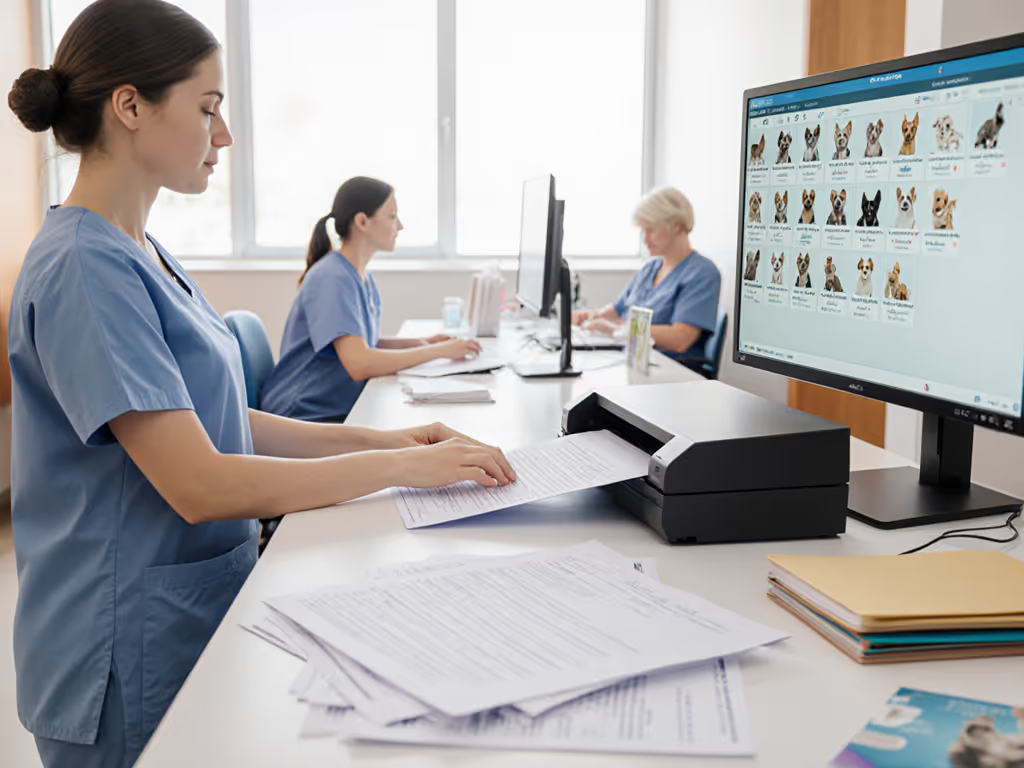
Your front desk team spends Monday mornings apologizing for missing vaccination records. That pile of paper intake forms? It's costing you 15 minutes per client visit. Veterinary document scanning shouldn't feel like wrestling an alligator, yet too many clinics treat animal health record digitization as a necessary evil. What if your least tech-savvy team member could turn today's paperwork into searchable cloud files before lunch? When staff actually like using the scanner, backlogs vanish. And trust me, it's simpler than you think.
Why This Isn't Another "Tech Overhaul" Pitch
I've watched veterinary teams drown in paper for years. At a busy nonprofit intake last spring, volunteers dreaded the scanner. Stacks of adoption forms, vaccination certificates, and surgical reports sat unprocessed for weeks. Then we mapped their actual steps, not what the manual said they should do. We added barcode coversheets between client packets and built a one-button profile routing directly to Google Drive folders with searchable tags. One afternoon later, their backlog vanished. Mondays stopped starting with apologies.
That's when I learned: automation succeeds when the least technical person succeeds first. If it's fiddly, it won't survive Monday morning. Let's make your scanner work for your team, not against them.
FAQ: Your Clinic's Document Scanning Roadblocks (Solved)
Q: "Our biggest headache? Mixed stacks (receipts, consent forms, and lab reports) all jamming together. How do we scan these without babysitting the machine?"
A: Stop fighting the stack. Work with its chaos.
Most clinics force staff to sort paper before scanning, wasting 20+ minutes per batch. Instead:
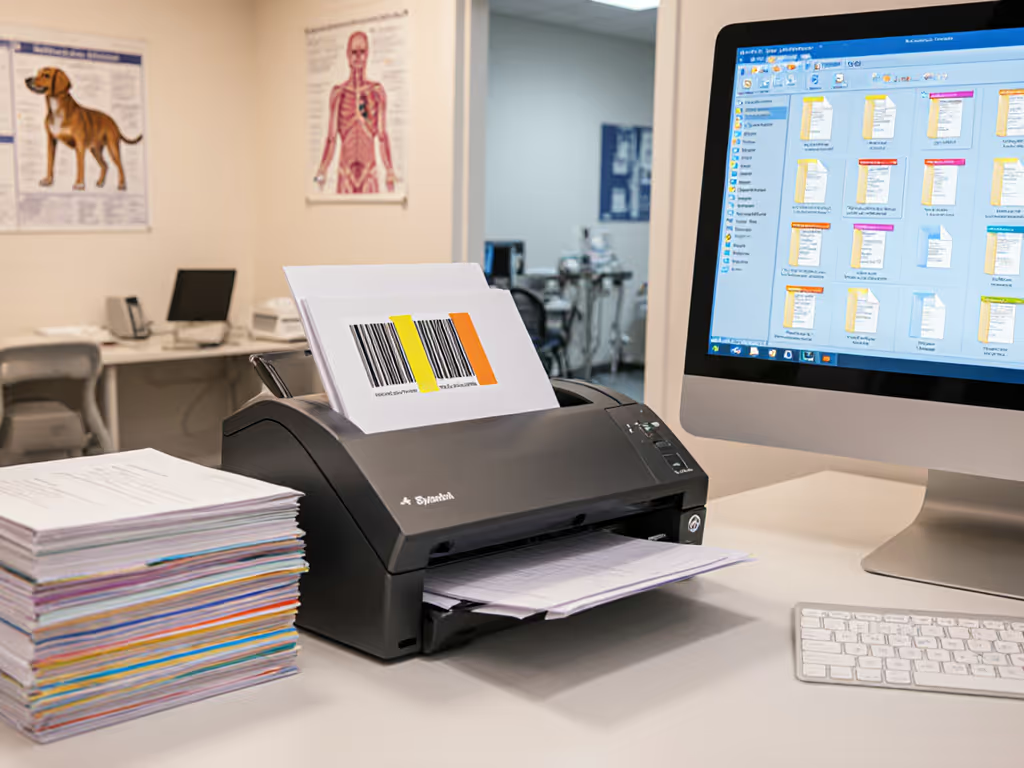
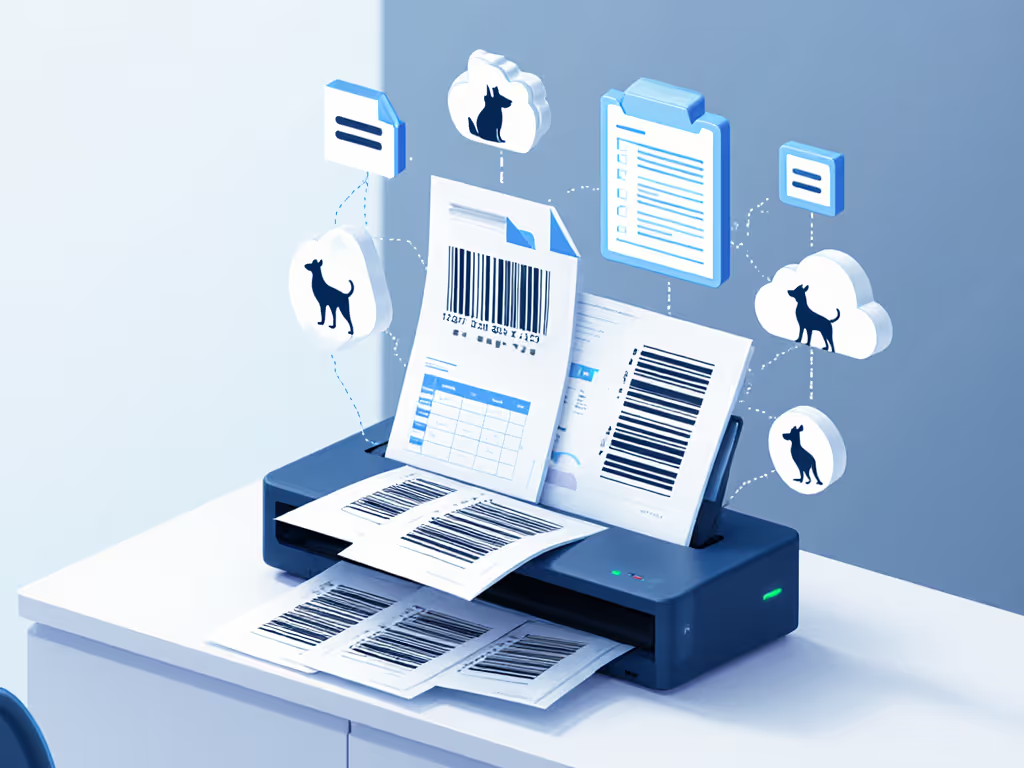
- Place a barcode coversheet between each patient's documents (print these on plain paper in 10 seconds)
- Set your scanner's profile to auto-split batches at barcodes (most modern scanners have this free)
- Enable "mixed media" mode to adjust feed pressure for receipts, thick consent forms, and stapled pages
One button, predictable result: When the scanner hits a barcode, it creates a new searchable PDF named with the patient ID and date.
This works because you're using the scanner's built-in smarts, not adding steps. If you're still seeing misfeeds or double-feeds, use our jam prevention and maintenance guide to tune rollers, cleaning schedules, and ADF settings. No more hand-sorting! You'll handle mixed stacks 3x faster, and your receptionist won't dread the "Friday paperwork pile."
Q: "We scan files, but they end up in the wrong folder or have messy names. How do we get records to auto-route to our practice management system?"
A: Ditch the manual filing. Let barcodes do the heavy lifting.
Naming conventions like "Smith_Dog_Vax_02262026.pdf" fail when staff are rushed. Try this instead:
- Print a single coversheet with your patient's ID barcode (pull this from your practice software)
- Configure your scanner to read that barcode and:
- Create a patient-named folder if none exists
- Drop the PDF into your cloud storage (Google Drive/SharePoint)
- Add tags like "Vaccination" or "Surgical Report"
This takes 10 minutes to set up. For a deeper walkthrough of routing scans to Google Drive, SharePoint, and DMS platforms, see our cloud integration guide. Now, when Sarah scans Fluffy's records, they land exactly where the vet needs them, no renaming, no hunting. One button, predictable result. I've seen clinics cut misfiled records by 90% this way. Bonus: It works identically whether your team is in-office or remote.
Q: "Our scanner software confuses staff. How do we train non-tech people without hours of coaching?"
A: Design for the 'Monday morning test.'
If your process requires clicking through 5 menus, it will fail when the clinic's swamped. Real training happens in how you set up the scanner itself:
- Create physical checklists beside the scanner:
"1. Stack papers. 2. Press GREEN button. 3. Done!"
- Rename software profiles to match clinic tasks: "New Patient Packets" instead of "Profile_07"
- Hide all other buttons (yes, this is possible!), leave only what's needed
At that nonprofit intake, we replaced their 12-step process with a single button labeled "Adoption Files." Staff ran it correctly on day one. Why? Because the setup matched how humans actually work, not how software engineers think they should. If it's fiddly, it won't survive Monday morning.
Q: "We're worried about compliance. How do we scan records securely without complex IT setups?"
A: Security through simplicity, not complexity.
Veterinary records aren't HIPAA-covered, but clients expect privacy. Overengineering causes mistakes. Do this instead:
- Enable "PDF/A" mode in your scanner settings (creates archive-safe, searchable files)
- Route scans directly to encrypted cloud folders (Google Drive's native encryption beats most local servers)
- Skip password-protected PDFs. They break searchability. Use folder-level permissions instead
One clinic I worked with had staff writing passwords on sticky notes. If you must remove sensitive client details before sharing, build automated redaction workflows rather than locking entire PDFs. Switching to folder-based security took 20 minutes, and staff actually used it consistently. Compliance isn't about fancy tools. It's about frictionless habits your whole team maintains.
Your Action Plan: Start Small, Win Big Today
You don't need a budget or tech team to begin. Right now:
- Identify your top paper bottleneck (e.g., intake forms, lab reports)
- Try one coversheet scan with a patient ID barcode
- Test routing to ONE cloud folder (use your practice name as the folder)
In 15 minutes, you'll prove digitization can be painless. To avoid hiccups with staples, bent corners, or tiny receipts, follow our document preparation checklist. When receptionist Maria sees last week's dog vaccination records appear in the correct folder with zero effort? That's the moment your team believes it's possible.
Animal health record digitization isn't about replacing paper, it's about freeing your staff to care for animals, not paperwork. When your scanner requires just one button for a predictable result, you've built something that lasts.
Your next step: This Friday, scan one patient's records using a single coversheet. Measure how much time it saves. Then do it again Monday. Watch what happens to those morning apologies.
Related Articles