Latin American Scanners: Spanish OCR Accuracy Tested
By Carla Jiménez • 27th Mar
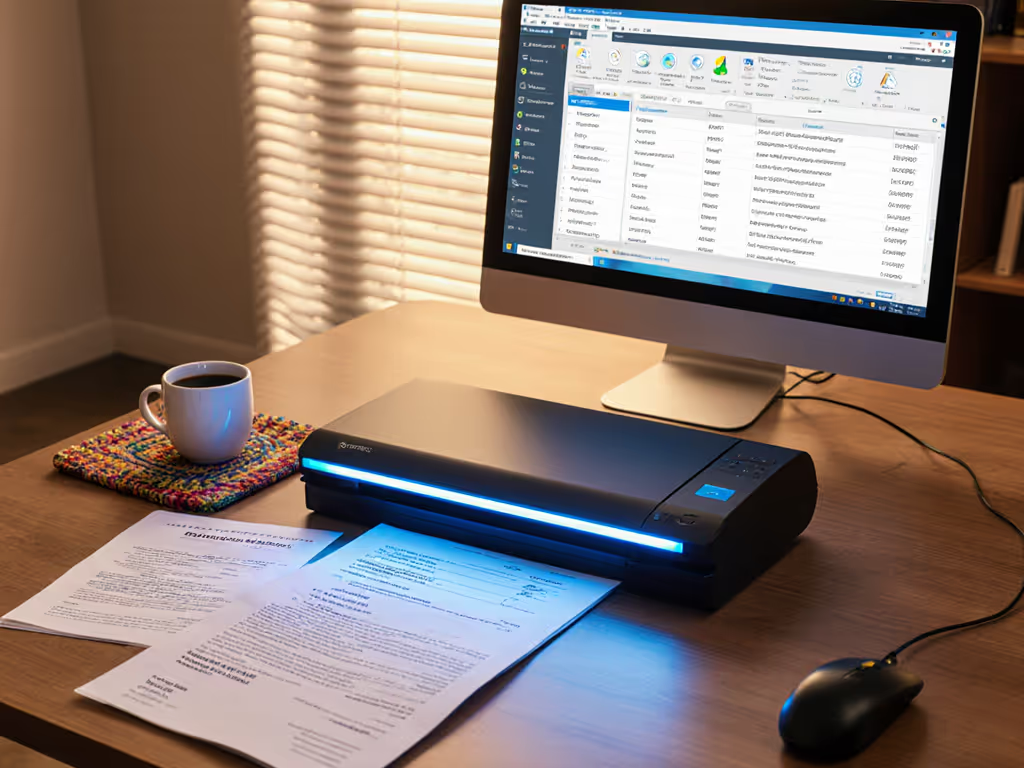
Small teams across Latin America and Spain face a hard truth: buying a scanner that looks capable on the spec sheet often means inheriting a three-year tax audit waiting to happen. Spanish and Portuguese OCR accuracy isn't just a technical metric, it is the difference between a workflow that runs itself and one that eats your payroll in manual rescans and corrections.
The Problem: Why Standard Scanners Stumble on Spanish and Portuguese
When you scan invoices, contracts, or patient intake forms in Spanish or Portuguese, you're not buying the same experience as a user in New York. The language density, accented characters, archival paper quality, and regional document conventions (from Mercosur compliance stamps to Brazilian tax form layouts) create OCR challenges that most mainstream scanners were never trained to handle.
Traditional OCR engines, including widely deployed solutions like Tesseract, deliver solid accuracy on high-quality printed English documents, achieving 95% or higher character recognition on clear black-on-white text. But accuracy on Spanish and Portuguese documents (especially those with thermal fading, regional document variants, or handwritten notations) often drops significantly. This isn't a failure of the scanner hardware; it's a training data gap. Most OCR models were weighted toward English and a handful of European languages, with Spanish and Portuguese support treated as an afterthought.
For a 100-page batch of mixed invoices and receipts, that gap compounds. A 5% error rate means five pages need manual review. At $15 to $25 per hour of human correction time, a 500-page monthly volume costs you $200 to $500 in rework that wasn't in your budget.
The Agitation: The Hidden Cost of Accuracy Shortcuts
Here's where many SMBs get trapped: they buy a mid-range all-in-one machine because it's cheaper upfront and promises "global OCR support." The hardware ships, the setup wizard runs, and for the first two weeks, scanning feels fine. Then the real workflow hits.
A bookkeeper in São Paulo uploads receipts. The OCR catches 90% of vendor names and amounts but mangles the date field or misses accented characters, forcing her to hand-correct entries. An accountant in Mexico City scans a batch of CFDI invoices (the Mexican tax form). The OCR leaves the tax ID partial. A dental office in Buenos Aires processes patient intake forms (some handwritten, some printed), and the searchable PDF is unreliable enough that staff print them back out to verify information. If handwriting is a recurring pain point, review our ICR accuracy comparison on messy real-world notes. Suddenly, that "paperless" investment is creating more paper.
The deeper trap: once you've chosen the wrong scanner and OCR stack, switching costs time and training. Workflows get built around workarounds. Staff learn to rename files because the automation failed. You're not just paying for the rework, you are subsidizing the broken decision for years.
Recent Advances: What 2026 Technology Actually Delivers
The landscape has shifted. Large language models (LLMs) and multimodal AI systems have begun to reframe OCR not as a pure character-recognition problem but as a semantic understanding challenge. Researchers have recently developed frameworks using LLMs like GPT-4o-mini to detect and correct OCR errors in digitized text, including specialized datasets for 19th-century Latin American Spanish newspapers. While the framework revealed that 78% of LLM-generated corrections were classified as "hallucinations" (the model generating incorrect content when uncertain), and only 12% addressed actual OCR errors, the underlying technique demonstrates that LLMs can fix errors traditional systems miss, provided you architect the pipeline carefully with validation rules.
Current benchmark data from 2026 shows multimodal LLMs achieving strong performance across languages. GPT-5 reaches 95% accuracy on handwriting, while Gemini 2.5 Pro achieves 93% on handwriting and 85% on printed media, and Claude Sonnet 4.5 achieves 85% on printed media. These models are beginning to power the next generation of document scanning platforms aimed at global SMB markets. For buying decisions, see our AI-optimized document scanners that eliminate manual review steps.
Where Tesseract and ABBYY Stand
Open-source Tesseract and commercial ABBYY FineReader remain the backbone of many enterprise solutions. To implement end-to-end OCR reliably, follow our guide to achieving searchable scans. Testing on mixed OCR programs shows that both Tesseract and ABBYY FineReader handle article and table content similarly well when presented with clean documents, though both struggle with larger or different fonts in headers and captions. ABBYY explicitly supports 201 OCR languages, including Spanish, Portuguese, and regional variants, but language support in the database doesn't guarantee accuracy in practice.
For Spanish and Portuguese documents, ABBYY has traditionally performed marginally better than Tesseract on mixed media and degraded documents, but the gap narrows with careful Tesseract training. Neither engine is native to understanding Latin American document conventions (tax forms, visa stamps, or regional certification marks) without domain-specific fine-tuning.
The Solve: Buying the Workflow, Not the Feature Parade
The core decision framework comes down to risk-first thinking: What does your specific batch of documents look like? Are they:
- Clean, modern invoices and receipts (printed, black-on-white, standard fonts)?
- Mixed media (receipts, IDs, handwritten notes, thick cards, varied sizes)?
- Degraded or aged originals (faded thermal, stains, folded corners)?
- Regulatory documents (compliance stamps, tax forms, multi-part carbons)?
- Multi-language batches (Spanish, Portuguese, and English in the same stack)?
For clean, modern Spanish and Portuguese documents in high volume, a scanner paired with Tesseract or recent ABBYY implementations can deliver 92 to 95% searchable accuracy with careful setup and validation profiles. This is the scenario where spend to save means fewer rescans and fewer manual corrections. A modest ADF scanner with transparent consumables costs and proven Portuguese/Spanish support will outperform a flashy multifunction device that jams on mixed batches and requires constant software tweaks.
For mixed media, degraded, or regulatory documents, the equation changes. Before you scan, improve results with our document preparation guide for handling thermal paper, folds, and mixed sizes. You need:
-
Hardware that reliably feeds non-standard media: an ADF with adaptive pickup and jam-resistant feed rollers rated for the regional paper stock and the climate conditions you operate in.
-
OCR that understands Spanish and Portuguese document conventions: not just language support, but training on regional layouts, tax forms, and accented text. This increasingly means pairing traditional OCR with post-processing rules or lightweight LLM validation to catch semantic errors ABBYY or Tesseract miss.
-
Predictable consumables and service terms: regional humidity and heat accelerate roller wear. Budget consumables replacement every 6 to 9 months at 2,000+ pages per week.
Related Articles